


If you spend your day staring at a laptop, phone, or desktop monitor, you know exactly how it feels by 4:00 PM. Your eyes feel dry, blurry, or irritated, and you might even have a dull headache starting to form right behind your temples.
Computer eye strain—often called Digital Eye Strain—is incredibly common, but it isn’t something you just have to live with. It happens because your eyes aren’t designed to stare at a glowing glass box a couple of feet from your face for eight hours straight.
You don’t need to quit your job or buy expensive prescription glasses to fix this. Here are a few simple, practical tweaks you can make to your daily screen setup to give your eyes a massive break.
Use the 20-20-20 Rule Every Single Day
The absolute easiest habit you can build to stop eye strain costs zero dollars and takes less than a minute. It is called the 20-20-20 rule, and it gives your eye muscles a chance to fully relax.
- Every 20 minutes you spend looking at a screen…
- Take a break and look away for at least 20 seconds…
- Focus your eyes on an object that is at least 20 feet away.
When you stare at a close-up monitor, the internal muscles in your eyes are constantly flexing to maintain focus. Looking out a window at a distant tree or a building across the street allows those muscles to completely go limp and reset, preventing fatigue.
Fix Your Physical Screen Distance and Angle
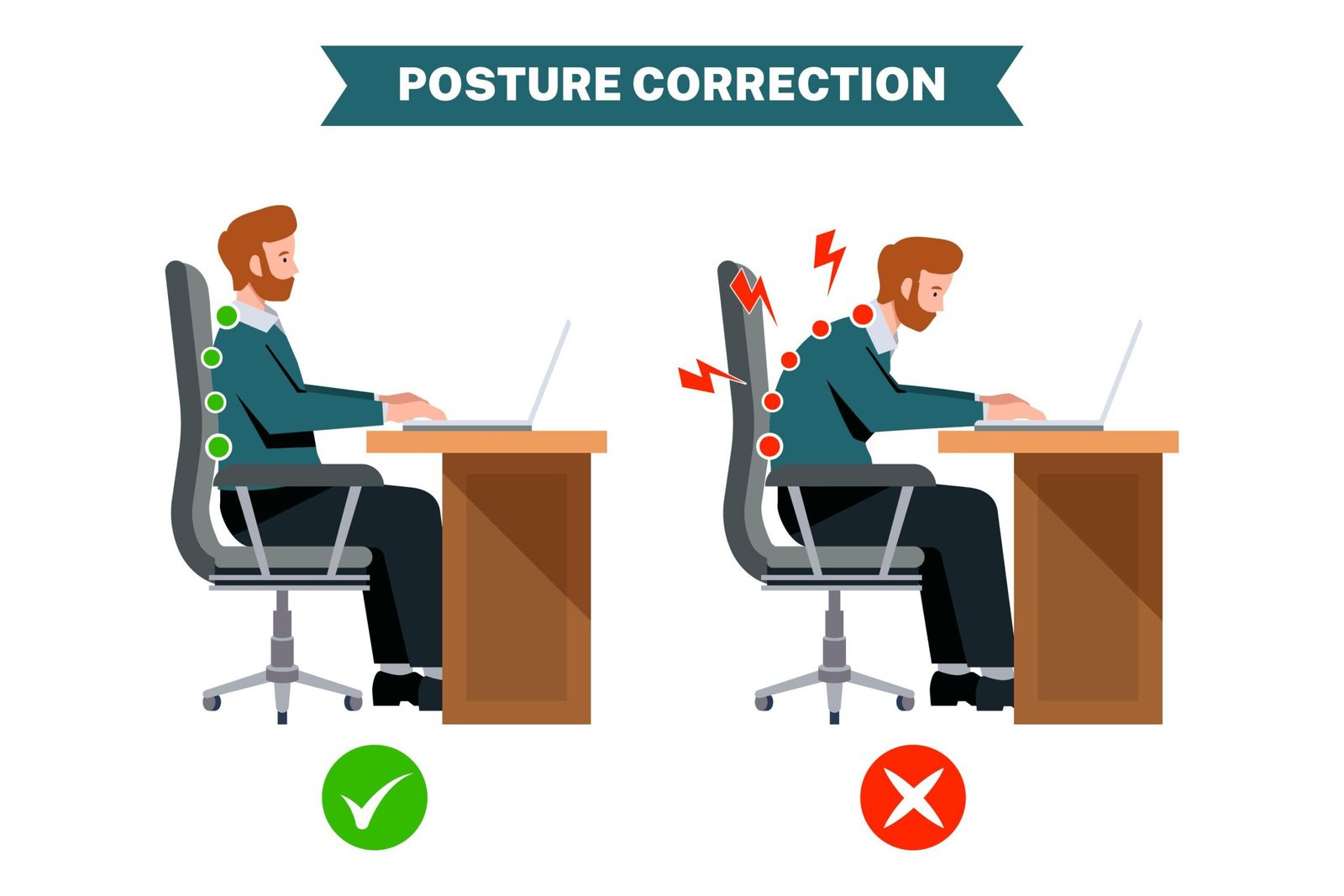
Many people set up their monitors completely wrong, forcing their eyes and neck to work twice as hard as necessary.
Take a look at your current desk setup right now and adjust these three things:
- The Distance: Your screen should be roughly an arm’s length away from your face. If you have to lean forward to read the text, your screen is too far away (or your font size is too small).
- The Height: The top of your monitor should be level with your eyes. When you look at the center of your screen, your eyes should be looking slightly downward.
- The Tilt: Tilt the top of the monitor slightly away from you. This helps cut down on glare coming from overhead ceiling lights.
Force Yourself to Blink More Often
It sounds silly, but when we look at digital screens, we actually forget to blink. Studies show that people blink up to 50% less often when looking at a computer compared to having a normal conversation.
Blinking is how your body cleans and moisturizes the surface of your eyes. When you don’t blink enough, your tears evaporate, leading to that dry, gritty feeling that makes you want to rub your eyes.
If your workspace has dry air or a blasting fan, consider keeping a bottle of basic lubricating eye drops (artificial tears) at your desk. Use them a couple of times a day to keep your eyes hydrated before they start burning.
Quick Tweaks for Your Digital Display Settings
You can change a few quick settings inside your Windows or Mac menus right now to make your screen way friendlier to your vision:
| Setting to Change | What It Does | Why Your Eyes Will Thank You |
| Font Scaling | Increases text size to 125% or 150%. | Stops you from squinting to read small emails. |
| Blue Light Filter | Shifts screen colors to warmer tones in the evening. | Reduces harsh contrast and helps you sleep better. |
| Brightness Match | Matches monitor brightness to your room’s light level. | Prevents your eyes from straining in a dark room. |
Watch Out for Harsh Room Lighting
A major cause of eye strain isn’t actually your monitor—it’s the lighting around it. If you are sitting directly across from a bright, sunny window, your eyes are fighting the contrast between the dark screen and the blinding background light.
Try to position your desk so windows are to your side, rather than in front of or behind your screen. If you have harsh, bright fluorescent bulbs directly over your desk, turning them off and using a soft, indirect desk lamp instead can make a massive difference in how tired your eyes feel at the end of the day.




Leave a Reply